 01
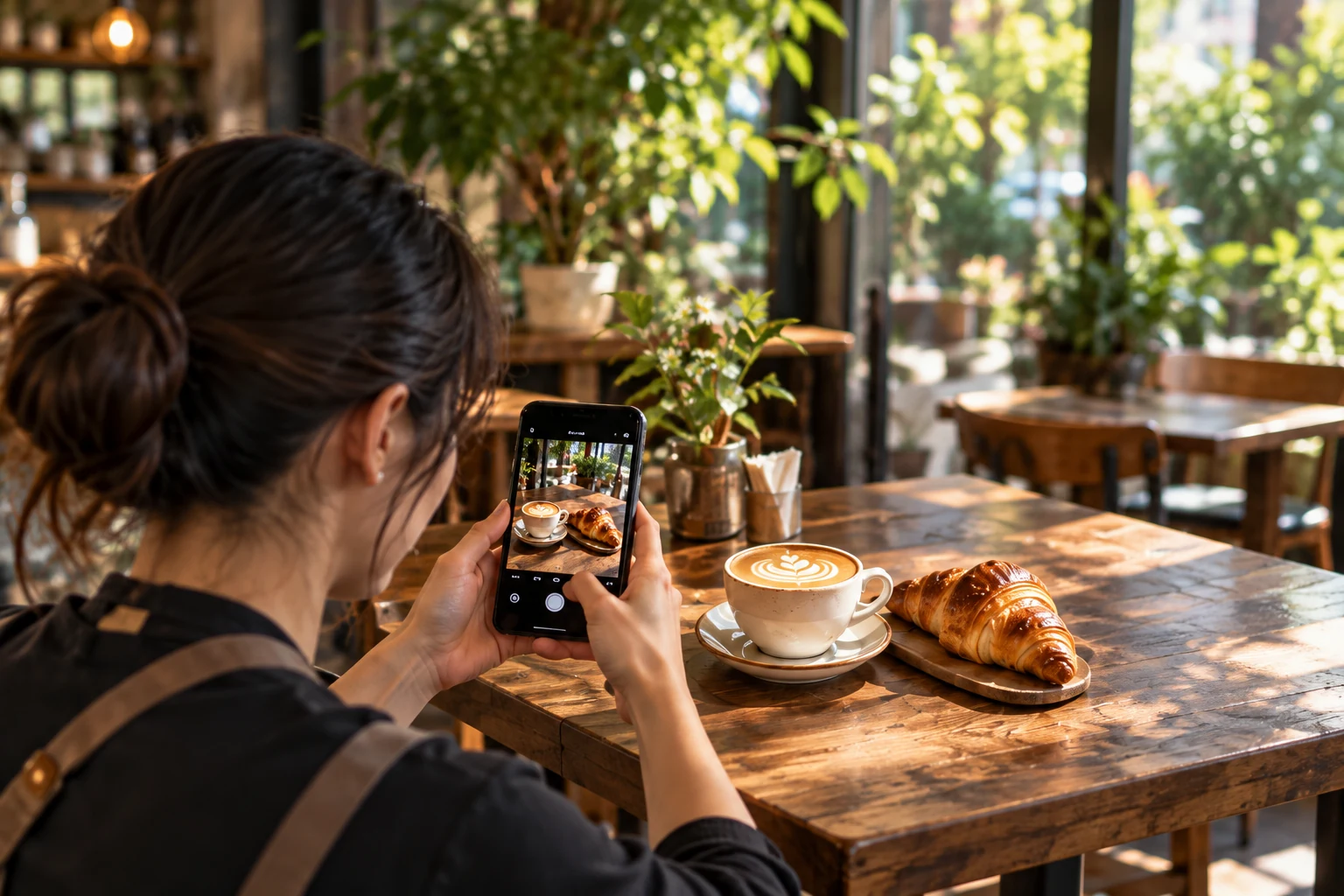
01Turn a photo into an ad
Prepare a photo and a short introduction. Review your ad before you start.
View details ↗IMOHELPER · For business
Show what makes your business special, in your guests’ language. From planning a trip to finding the way, IMO helps travelers take the next step.
Guest demo · sample screen

For business
Tap a photo for details. Close it to return to this guide.
01Prepare a photo and a short introduction. Review your ad before you start.
View details ↗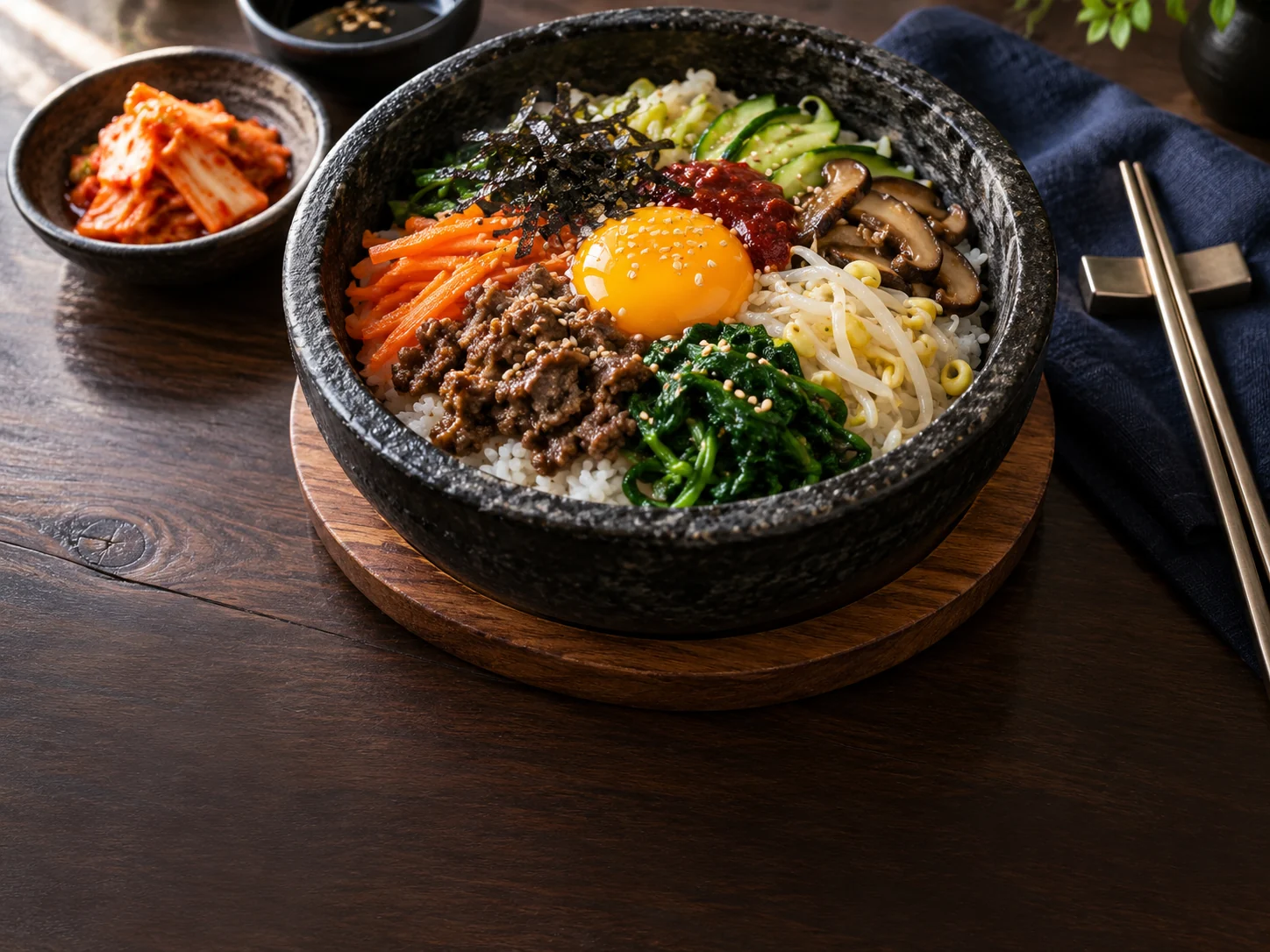 02
02Add photos and prices for your menu or products, then check the translations.
View details ↗03Explore example ads and business information as a guest would see them.
View details ↗ 04
04Explore places and save them to a trip.
View details ↗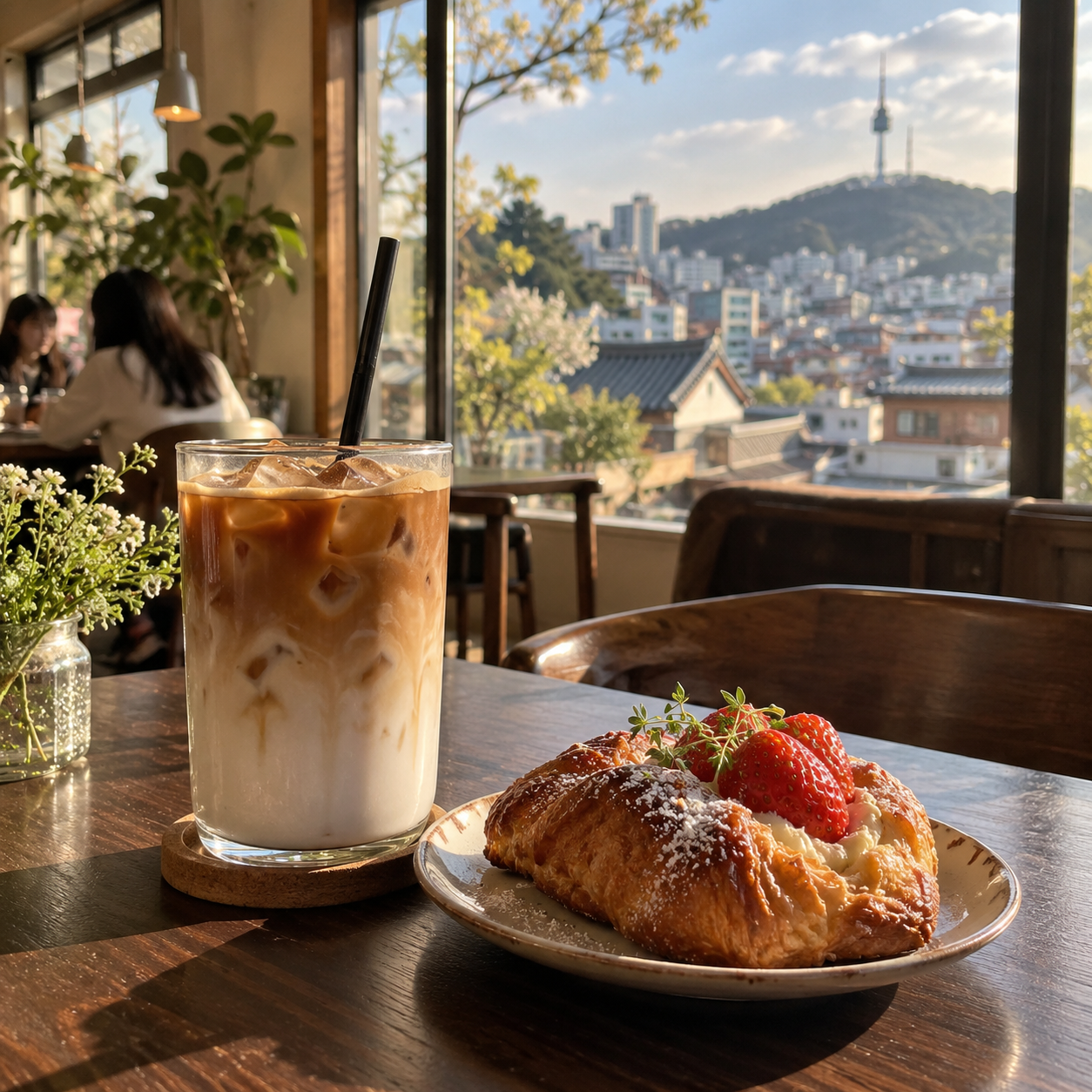 05
05Find food, cafés and shops when they are needed.
View details ↗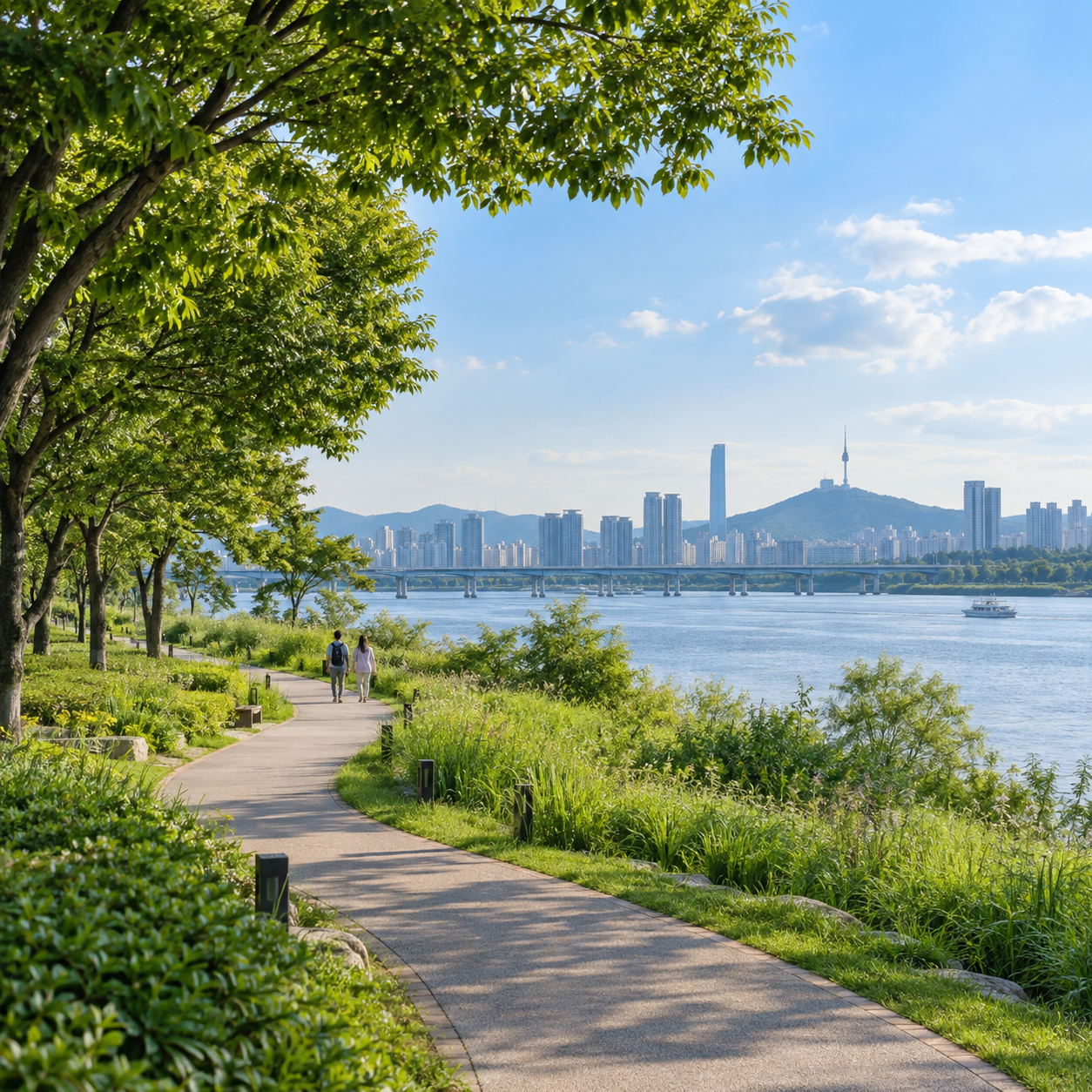 06
06Check the address and continue to directions.
View details ↗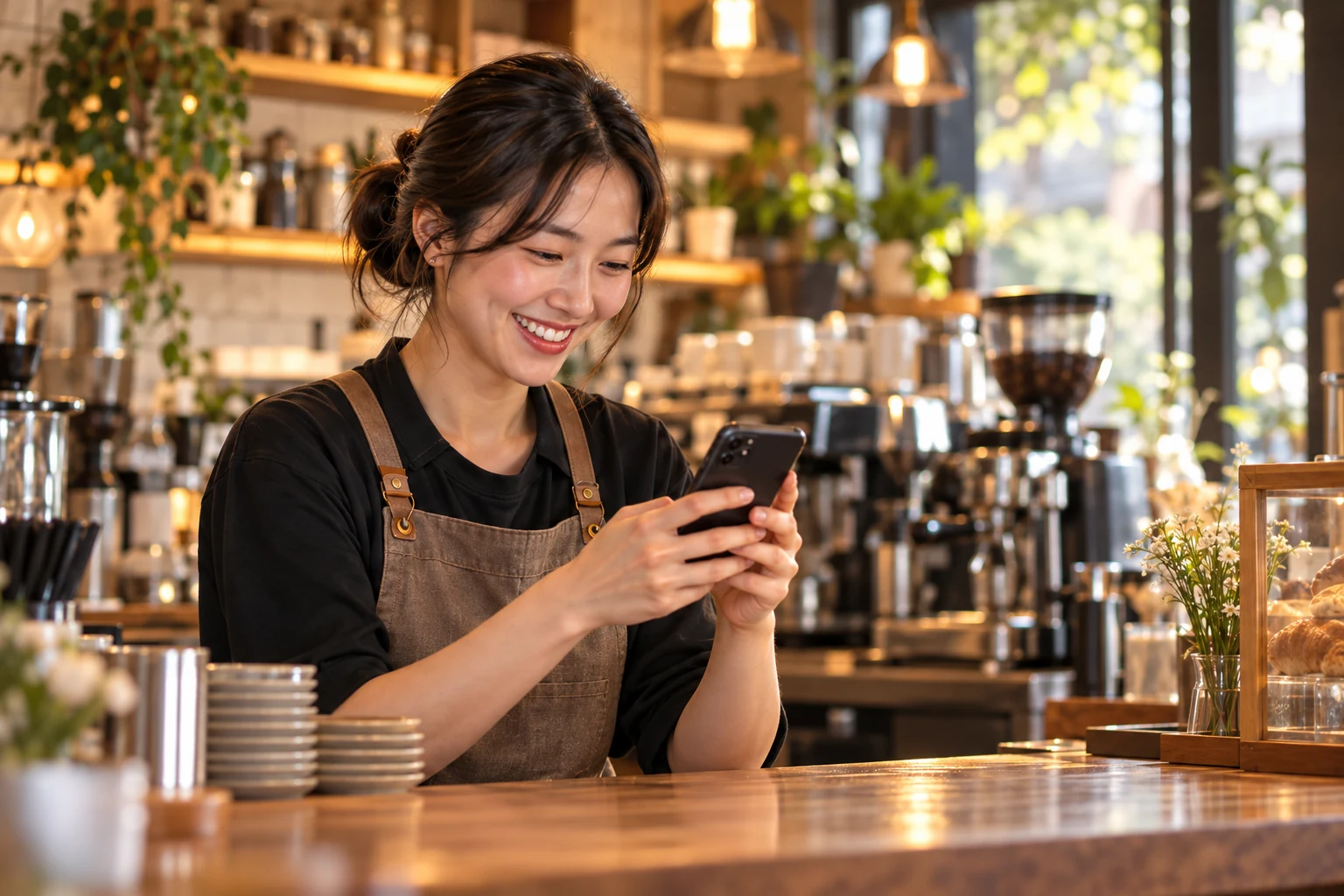 07
07Review visit times, party sizes and guest requests, and manage them yourself.
View details ↗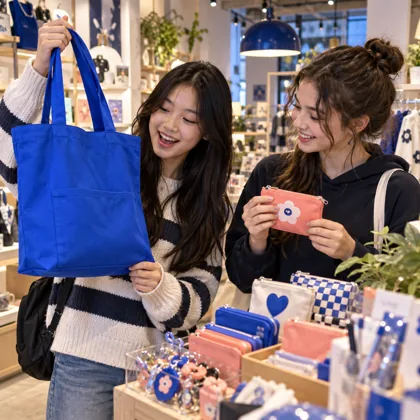 08
08Review prices, approval and placement terms first.
View details ↗Guest demo · sample screen
A traveler planning a trip, choosing a café or checking a route needs clear information. Explore IMO’s place guidance, then prepare what your business needs.
This is a demonstration. It does not publish ads, make bookings, place orders or take payments.
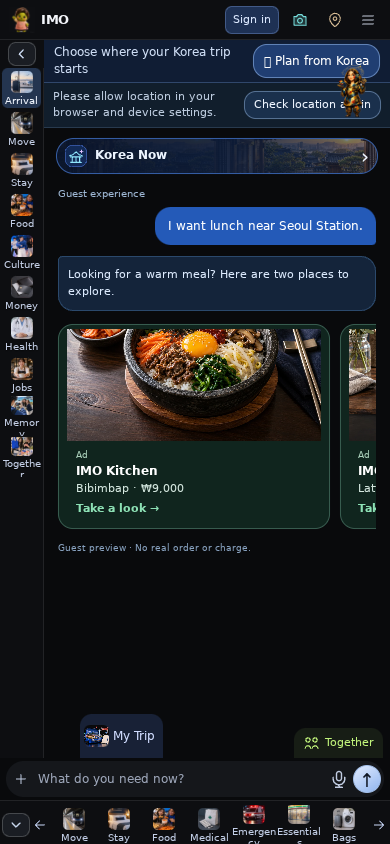 Guest demo · sample screen
No. The guest demo uses examples and does not publish ads, book, order or take payments.
Use photos you have permission to publish. Confirm the address, prices, hours, ingredients and translations before guests see them.
US travel guidance and local ad placement may have different coverage. Check regional availability and placement terms in the ad workspace first.
Service illustrationPrepare a photo and a short introduction. Review your ad before you start.
Prepare your business name, address, photos and a short introduction. Preview the guest experience, then create your own content in the ad workspace. Publishing requires sign-in and the applicable review and operating terms.
Service illustrationAdd photos and prices for your menu or products, then check the translations.
Organize menu or product photos, prices and ingredients. Help guests understand them in their language, and check translations, prices and allergen information before publishing.
Service illustrationExplore example ads and business information as a guest would see them.
Tap a sample ad in IMO’s chat, ask about the business and explore menus, bookings and directions. This is a demonstration. It does not publish ads, make bookings, place orders or take payments.
Service illustrationExplore places and save them to a trip.
Travelers choose a trip area, explore photo menus and ask IMO about places. They can save chosen places to their itinerary. An ad does not automatically add a business to a trip. Travelers choose what to save.
Service illustrationFind food, cafés and shops when they are needed.
Nearby discovery in Korea starts with a default 500 m area. Travelers can explore around their current location or plan for a trip area. Ad placement depends on location, category, approval and operating terms. Search results and paid ads are separate.
Service illustrationCheck the address and continue to directions.
Travelers check a destination card and continue to directions. Accurate addresses, entrance details and hours help guests prepare for a visit. Routes are checked through the connected map or travel service. Demo routes are examples.
Service illustrationReview visit times, party sizes and guest requests, and manage them yourself.
Review visit times, party sizes and requests in booking management. Actual bookings depend on their status and the business’s confirmation. Keep your registered ad and menu information up to date.
Service illustrationReview prices, approval and placement terms first.
Check current prices, points and placement terms in the management screen. Review ad status and approval before running a campaign. No specific impressions, search ranking, visits or sales are guaranteed. Check availability and terms before requesting US advertising.