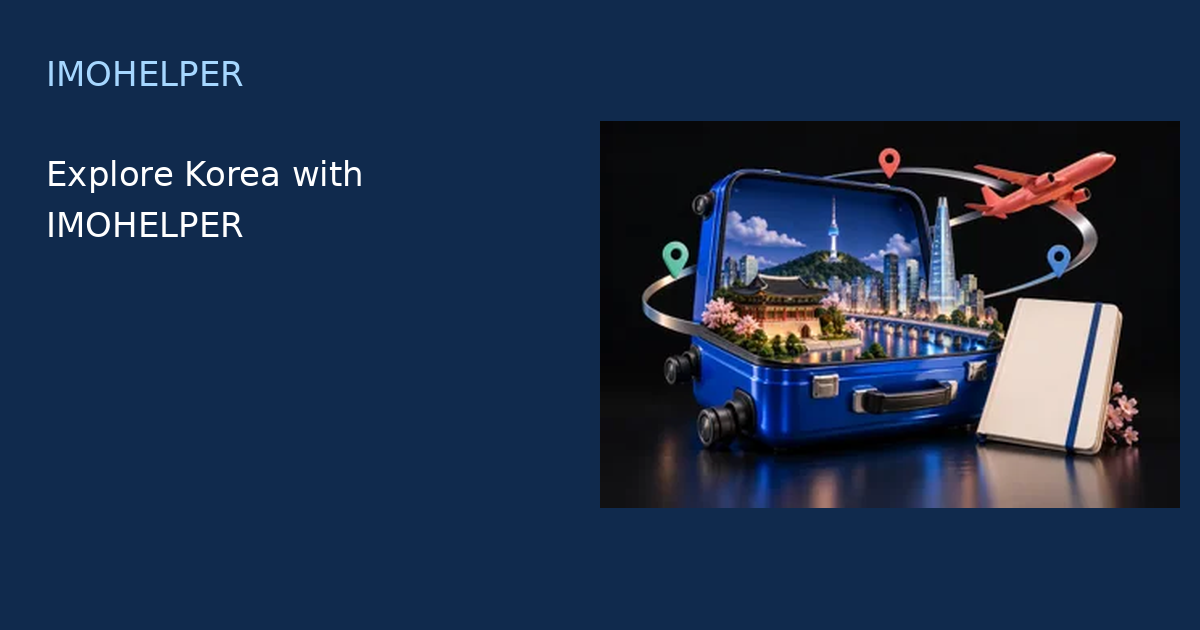
Plan a Korea trip with itineraries and sightseeing choices
Prepare your city, accommodation, dates and travel needs before asking IMO for a Korea trip plan.
The field interpreter helps convey what two people actually say. It keeps speaking and listening roles separate so you can check a translation in context.
Select the languages of both speakers and a setting such as food, hotel or transport. Check whether microphone use is available; you can also prepare text to type.
Check amounts, times, addresses and negative statements against the original. If the other person is uncertain, ask again before treating the statement as an agreement.
For a live conversation, take turns with one short question rather than recording a long speech. Recording, speech recognition, translation and voice preparation each take time; connection quality affects the wait.
A waveform indicates playback activity. Availability of a browser or device voice depends on the language and device. Check amounts, times and negative statements in the original and translated text as well.
Does this dish contain meat? Could you write down the total price for two people?
Voice use depends on browser microphone permission and connectivity. Review the actual usage terms and displayed credits before running a paid feature.
It can help convey short on-site questions about ingredients, destinations or check-in times. Keep the speakers separate and check the translation before playing it to the other person.
This guide does not promise offline translation. Server translation needs a connection, and device voice availability depends on the browser and language.
Use a shorter turn and check whether recording has ended and the connection is available. Show the translated text if it is already displayed. Check the current progress and usage conditions before repeating a request.
Prepare your city, accommodation, dates and travel needs before asking IMO for a Korea trip plan.
Prepare a readable menu image and distinguish your current location, accommodation and planned destination when asking IMO for practical travel help.
Prepare questions about Korean subways, buses, taxis, accommodation and currency exchange. Connect practical planning in IMO with checks at the original provider.
Prepare practical questions for airport transfers, accommodation, food and everyday conversations on a first USA trip.
Find the right category for administration, insurance, work, housing or emergency assistance, then prepare a useful question.
Prepare short requests for language help, an explanation of procedures and appropriate legal support in the United States.
Prepare questions about notices, deadlines, addresses, documents and the qualifications of people offering immigration assistance.
Prepare questions about hospital charges, out-of-pocket costs, coverage explanations and the next step after a health insurance denial.
Organise questions about work conditions, wage calculations, payment dates, records and labour assistance.
Prepare a local shelter enquiry, check availability and conditions, and distinguish urgent accommodation from housing-cost or everyday-needs support.
Ask about local living-cost support, the form of assistance, eligibility and suspicious payment requests.
Prepare clear questions about permission, unwanted contact, distance, staff assistance and a safe journey home.
Prepare questions for the appropriate embassy, consulate or local support provider without confusing language with nationality.
Start practical conversations in Korea with free interpreting and prepared questions for restaurants, transport and accommodation.
Prepare questions for reception, medical costs and insurance, and check official foreign-language assistance in Korea.
Prepare clear questions about destination addresses, accommodation bookings, ingredients and charges during a Korea trip.
Distinguish emergency reporting from immigration, administration and welfare enquiries, then prepare the right request.
Ask about the menu before your first meal in Korea.
Ask about sizes and exchange conditions while shopping in Korea.
Prepare your first question before arriving at your accommodation in Korea.
Ask about a restaurant menu and the check while visiting the USA.
Confirm your reservation and the hotel’s terms before checking in.
Ask about the return conditions before buying in the USA.
Prepare photos, menus, prices and visitor questions, then review the customer experience before advertising.
Prepare photos, menus, prices and visitor questions, then review the customer experience before advertising.
Guide reviewed